What to Ask About a Device's App Before Buying
Ask which functions require software, what phone support is needed, and whether the intended routine remains accessible without a connection.
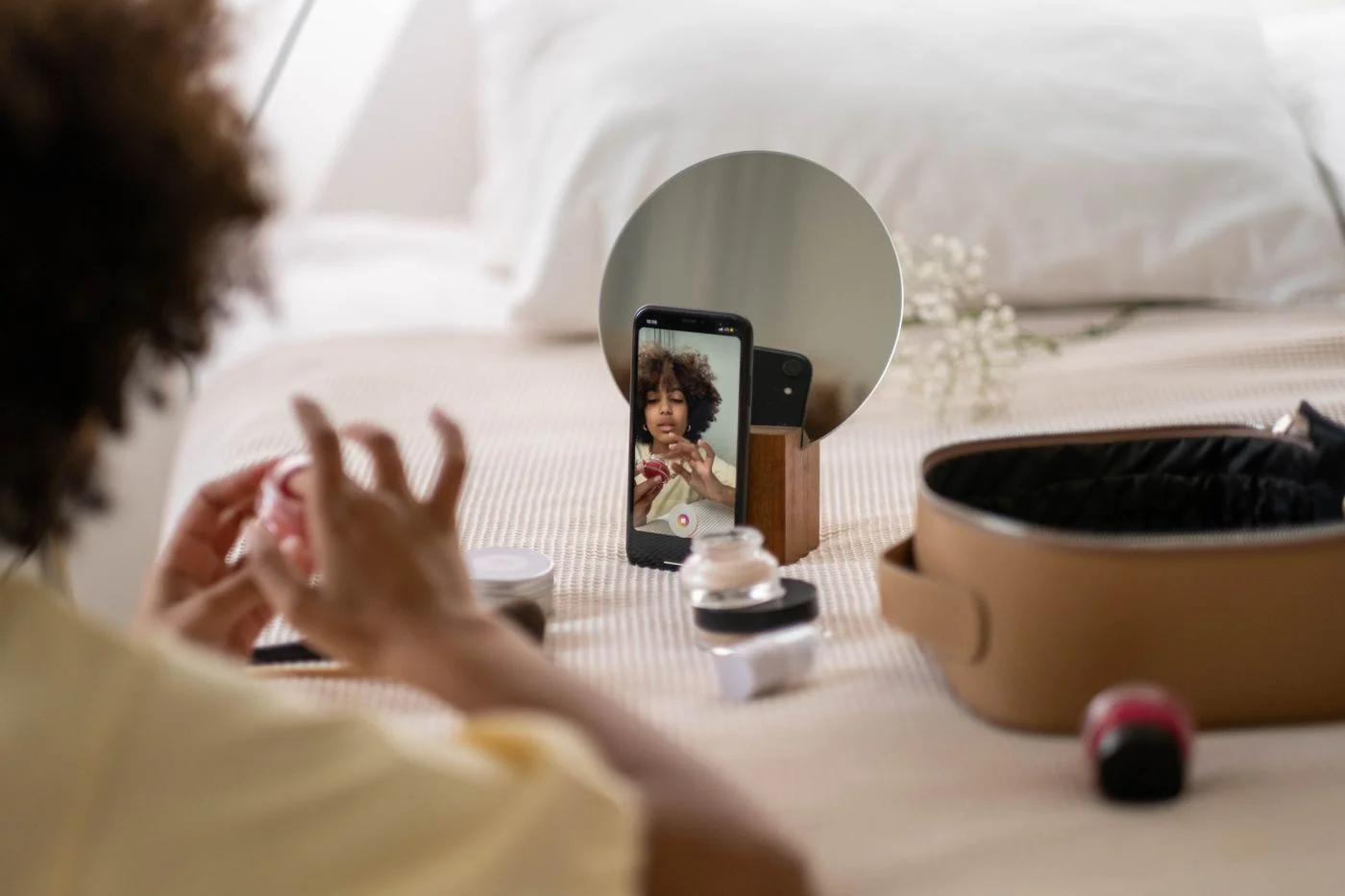
A beauty device's app deserves the same practical inspection as its handle and charger. Before buying, ask the seller or manufacturer for the exact app name and current requirements. A connected label is too broad to tell you how much your routine will depend on a phone.
Begin with activation. Must the device be registered or unlocked through the app before it works? Is an account required? Can the intended routine be started with physical controls after setup? These answers distinguish a useful optional companion from software that is necessary for ordinary operation.
Ask about compatibility in concrete terms
Check the supported operating systems and versions against your own phone or tablet. Do not assume that any device with Bluetooth is compatible. If you plan to change phones soon, ask how the product is transferred or paired again.
Read what happens when the phone has no internet connection. Saved settings, guided sessions, and new downloads may behave differently. Ask about the exact function you want rather than whether the product works offline in a general sense.
Include privacy and account handling
Review the app's privacy information and the permissions it requests. Find out which permissions are required for your chosen functions and which can be declined. Consider whether the account and data practices fit your preferences before a device purchase makes them feel unavoidable.
If the product will be given as a gift or legitimately transferred later, ask how to remove an account connection and set up a new user. Avoid registering it casually in the wrong person's account just to try the app.
Think about support over time
Ask what physical controls remain available if software support changes. No seller can guarantee every future phone will work forever, but a clear description of present manual operation is useful. Do not buy primarily for a feature promised in an unspecified future update.
Check whether any required feature has a fee or subscription. Separate that from optional content, and record the cost after any introductory period. An included device does not necessarily mean every connected service is permanently included.
Save written answers to questions that determine your choice. If the app's requirements remain unclear, keep that uncertainty visible in the comparison. The right purchase is one whose software demands make sense to you before checkout, not one you learn to tolerate because the hardware has already arrived.
Continue exploring

Choosing a Beauty Device You Will Actually Use
Start with an ordinary week, not an ideal routine. Match the device’s preparation, care, and costs to the way you already live.
Keep reading: Choosing a Beauty Device You Will Actually Use
Questions to Ask Before Buying a Facial Cleansing Tool
Use a short set of questions to compare the real routine: suitability, pressure, cleanser compatibility, maintenance, and replacement parts.
Keep reading: Questions to Ask Before Buying a Facial Cleansing Tool