Testing Controls Before Adding a Device to Your Routine
Learn the power, mode, and stop controls before a session. A small amount of preparation can prevent fumbling with unfamiliar buttons.
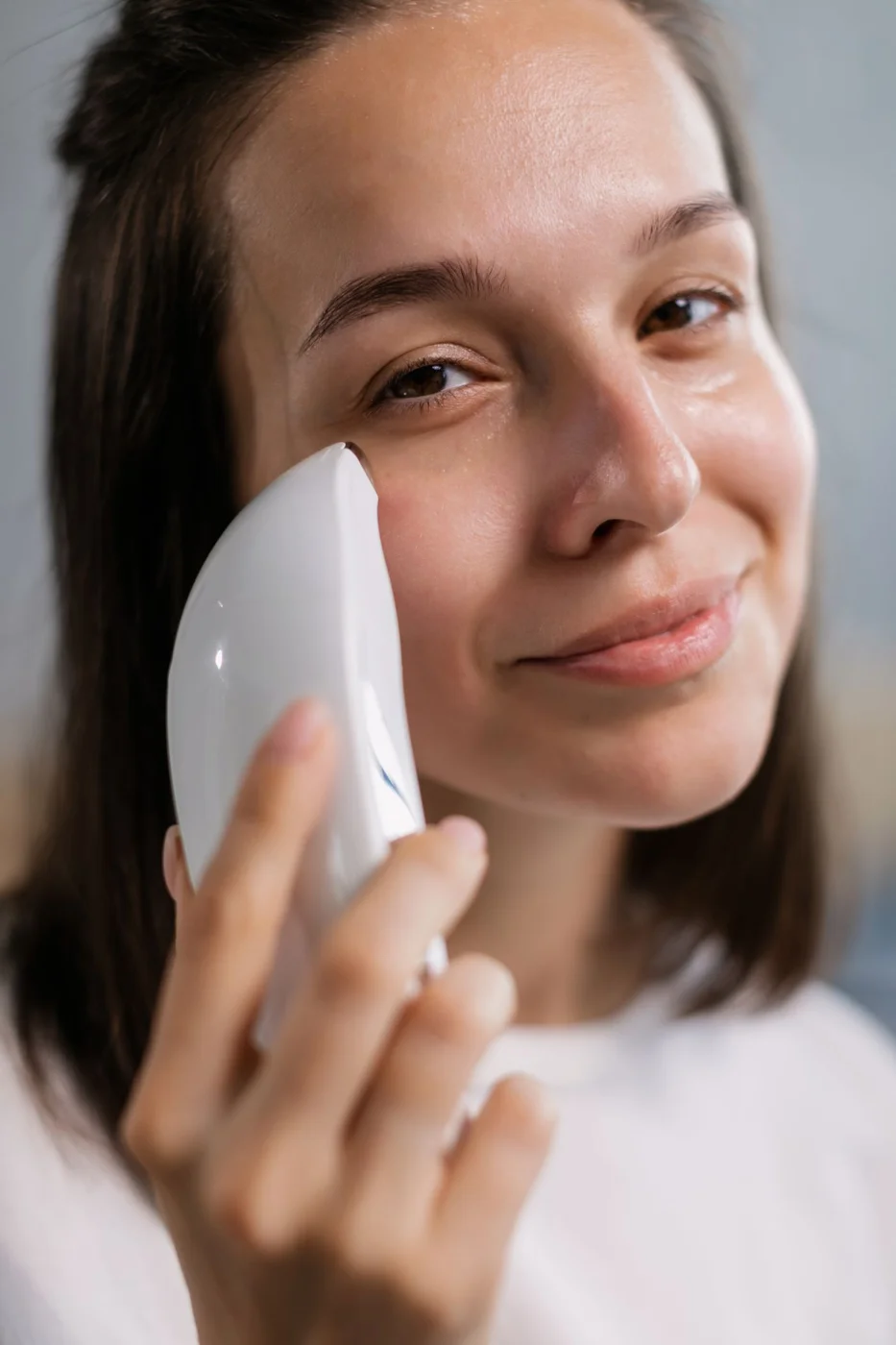
The first useful test of a beauty device is often a reading-and-handling exercise, not a treatment. With the tool switched off, identify its controls and compare them with the manual. Find out which button powers it on, which changes a setting, and which action stops it immediately.
Do not run a device dry or without required accessories merely to experiment. Some products have operating conditions that apply even during a brief test. Where the manual permits a control demonstration without skin contact, follow that process. Otherwise learn the sequence from the diagrams before using it as intended.
Give similar actions distinct names
A short press, long press, and double press may do different things. Write them down in ordinary language if the symbols are not memorable. Pay attention to whether the same button has a different function once the device is running.
Check how a selected mode is shown. It might be a light, a vibration pattern, an app display, or a physical position. Do not assume that the device always starts on its lowest setting or returns to its original mode after charging.
If an app stores preferences, review those settings before the first session and after any reset. A physical button may activate a routine configured earlier. Make sure the stored choice is the one you intend to use.
Arrange the routine around visibility
Place the manual where you can glance at it without holding a phone over the sink. Use a mirror and enough light to see both the tool and the relevant area. Have any compatible cosmetic product ready so you are not searching for it after switching on.
During use, stop to check an uncertain signal instead of pressing buttons at random. If the tool does not respond as described, set it aside and follow official troubleshooting steps. Do not keep applying a device while trying to discover what an unfamiliar mode does.
Once the controls feel familiar, the manual can remain nearby without being read at every step. Keep the stop action especially clear. A well-understood device is easier to use attentively, and learning its buttons does not require making your skin the testing surface for trial and error.
Continue exploring
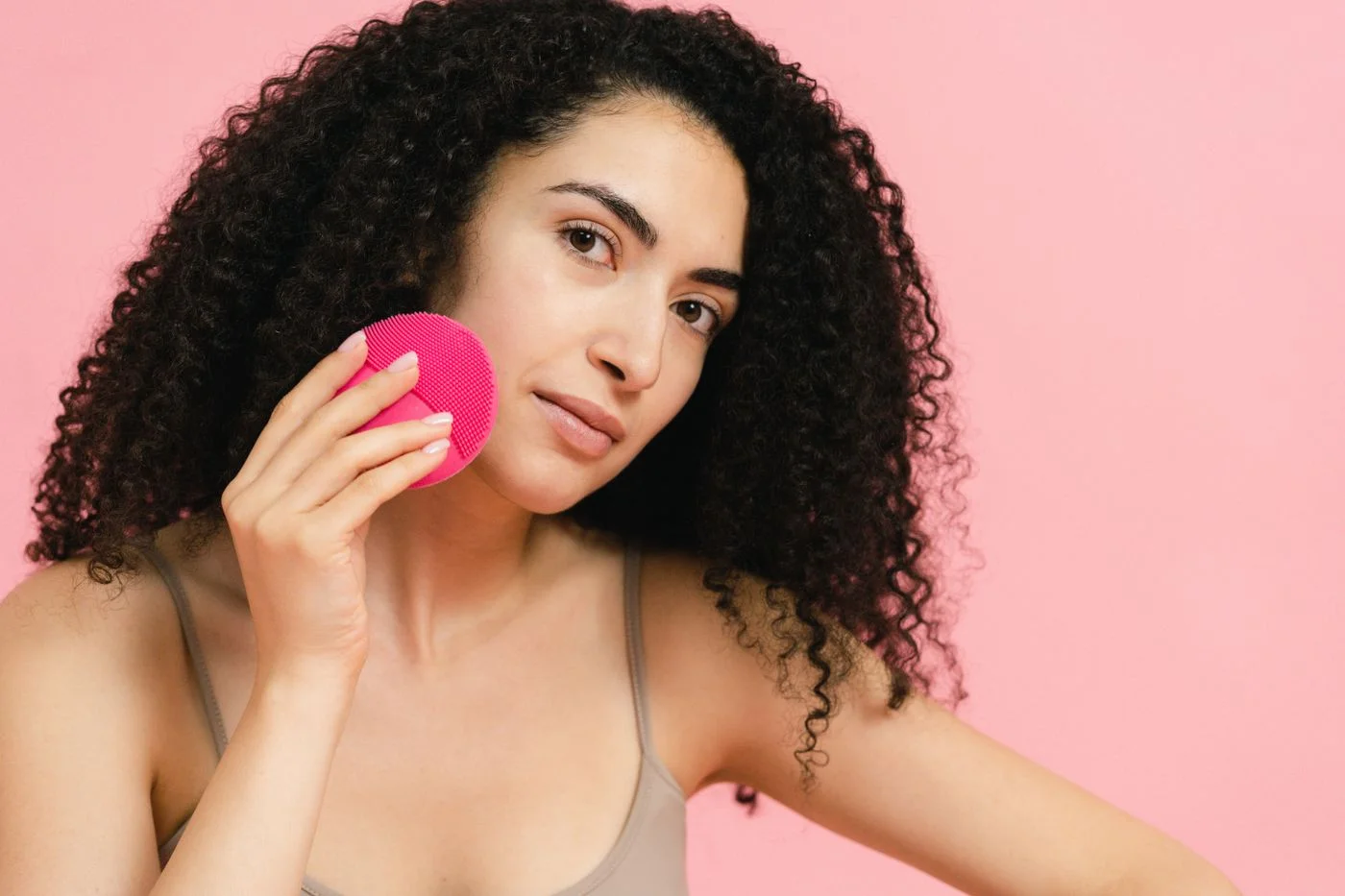
Before Your First Facial Cleansing Device
A facial cleansing tool is an optional addition. Start with the manual, a compatible cleanser, and a plan for keeping the tool clean.
Keep reading: Before Your First Facial Cleansing Device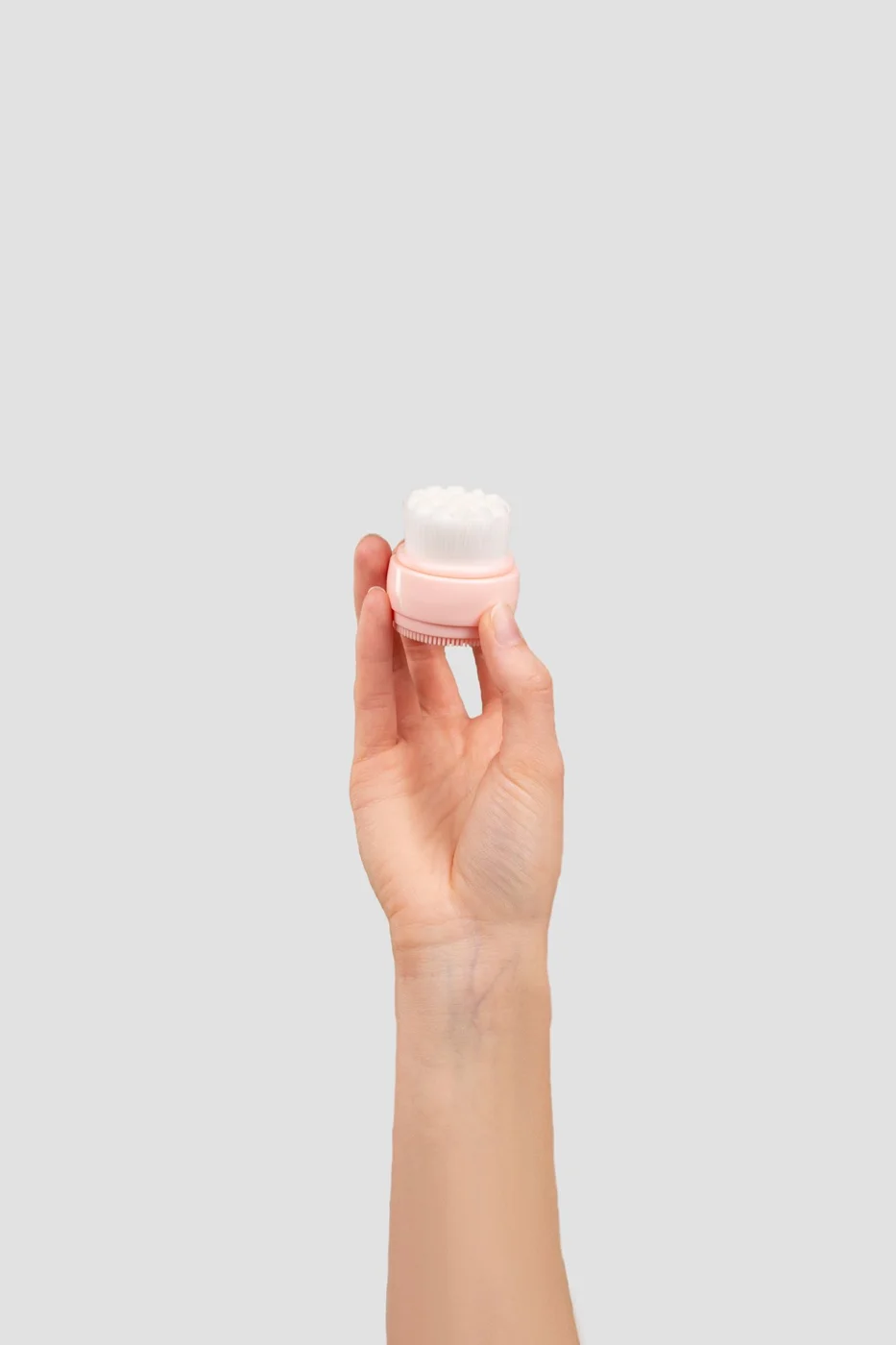
Silicone and Bristle Cleansing Tools: Everyday Differences
The surface material is only part of the decision. Consider drying, replacement parts, grip, and how the whole tool fits beside your sink.
Keep reading: Silicone and Bristle Cleansing Tools: Everyday Differences