Understanding Device Treatment Timers
A built-in timer marks a programmed session. Learn what its signals mean and avoid restarting it simply to make treatment feel more complete.

A short vibration or automatic shutoff can be reassuring, but only if you know what it means. Beauty devices use timers in different ways. One signal may mean move to another area; another may mark the end of the whole session. The same sound can even have a different purpose in another mode.
Before first use, find the timer description in the manual. Note the selected mode and whether its timing can be changed. Do not rely on the number printed in a retailer's headline if the full instructions describe several routines.
Learn the sequence once
Read the steps in order and identify the stopping point. If the maker provides an approved demonstration, compare it with the written instructions. Knowing when a cue will occur helps you avoid rushing the early part of the session and repeatedly treating the last area.
Keep any required preparation outside the countdown. The skin, compatible product, attachments, and protective equipment should be ready before treatment begins. A timer cannot check that you have completed those steps correctly.
Do not use extra cycles as a shortcut
An automatic shutoff is not an invitation to press start again. Follow the limits for the exact device and area, including any guidance about repeat sessions. More time is not automatically more useful, and a tool's ability to restart does not establish permission to extend treatment.
If you were interrupted, consult the instructions rather than guessing how to make up the time. Some routines may have clear restart guidance; others require a question to support. Avoid running another full cycle just because you cannot remember where you stopped.
Keep control of the session
Know how to stop the device before the timer ends. Pain, irritation, unexpected heat, or a malfunction should not be ignored while you wait for a programmed finish. The timer is a convenience within the safety instructions, not a reason to override them.
If an app allows changes, record the settings you selected and revisit them after updates or a reset. A familiar-looking screen may not always represent the configuration you previously used.
The most helpful timer is one you understand well enough to stop thinking about. Read its cues, use the intended routine, and let the session end without adding a second round to satisfy a feeling that more must be better.
Continue exploring

Before Your First Facial Cleansing Device
A facial cleansing tool is an optional addition. Start with the manual, a compatible cleanser, and a plan for keeping the tool clean.
Keep reading: Before Your First Facial Cleansing Device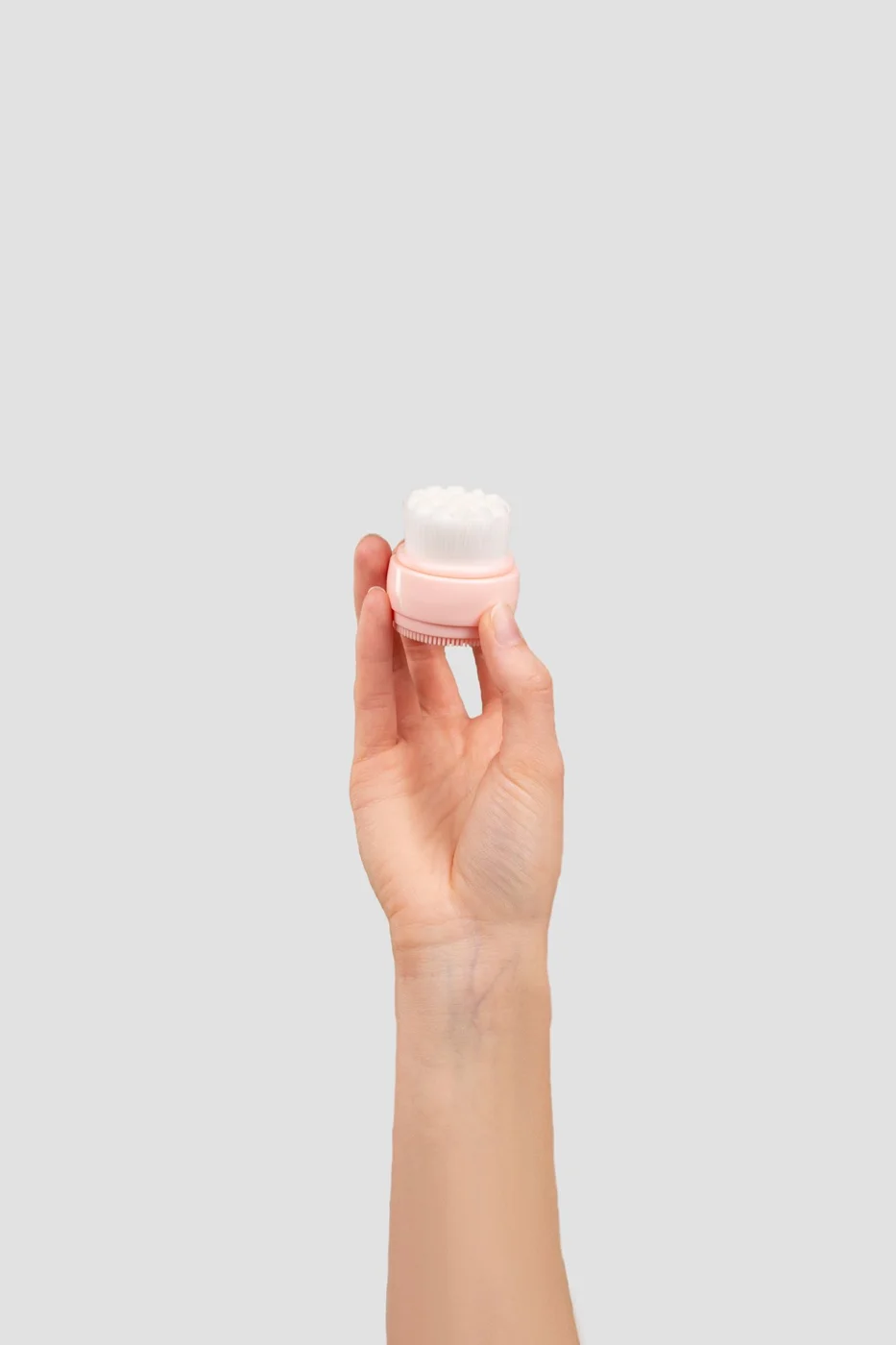
Silicone and Bristle Cleansing Tools: Everyday Differences
The surface material is only part of the decision. Consider drying, replacement parts, grip, and how the whole tool fits beside your sink.
Keep reading: Silicone and Bristle Cleansing Tools: Everyday Differences