Why App Features Should Be Optional in Your Decision
An app may add guided routines or settings, but your purchase should still make sense when you account for setup, compatibility, and ongoing support.
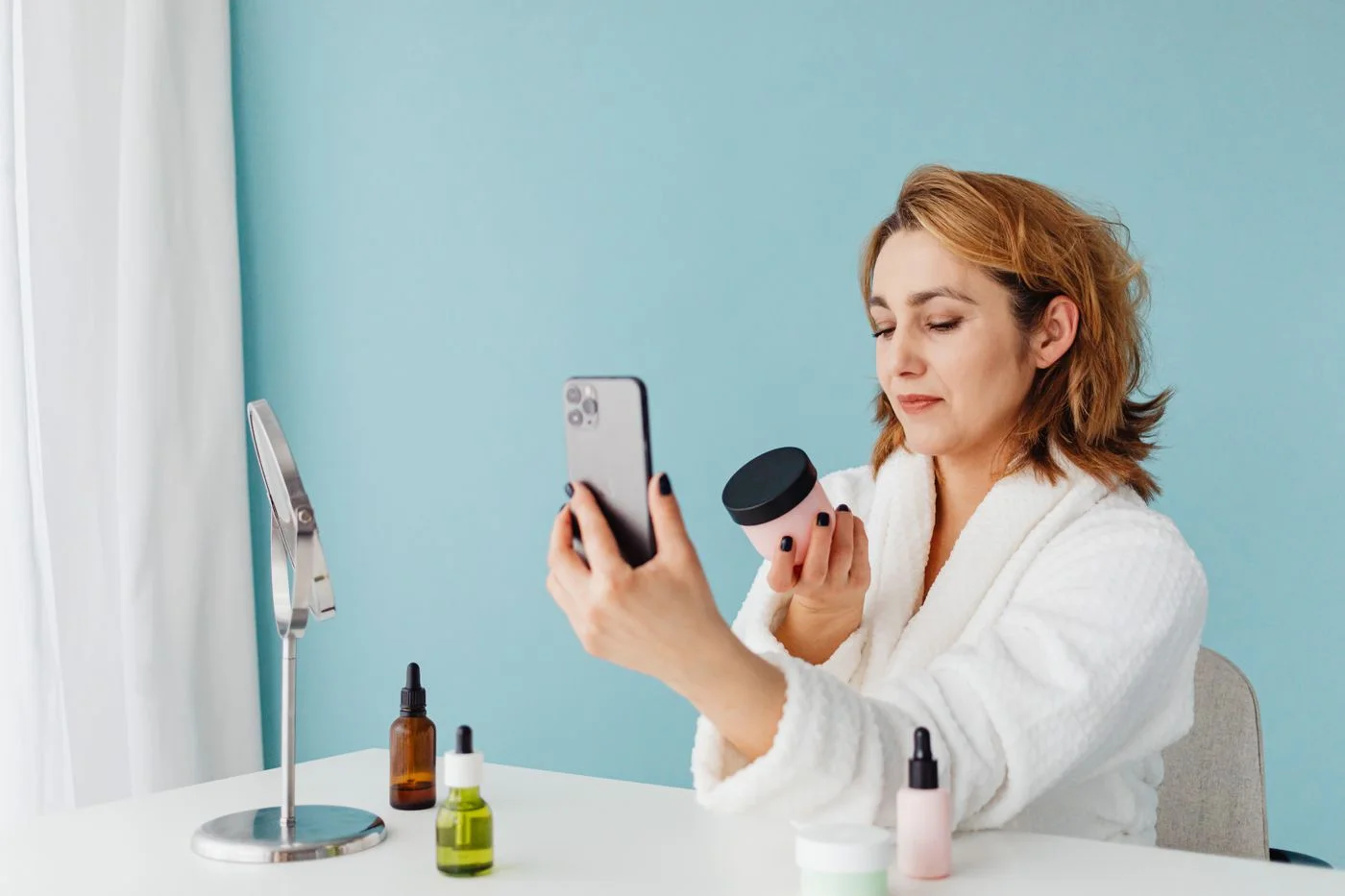
An app can be a useful way to explain controls or save a routine. It can also be an extra account, another notification, and a source of friction when you simply want to use a beauty tool. Give the software its own place in your decision instead of assuming that connected means more convenient.
The title is about choosing freely, not a promise that every device works without an app. Some products require activation or configuration through software. Others allow manual operation from the start. Find out which arrangement applies before buying.
Separate required and optional functions
Write two short lists. In one, put anything the app is necessary for: initial activation, changing certain settings, downloading routines, or registering the device. In the other, put extras you may enjoy, such as reminders or guided videos.
Ask what happens after setup. Can you run the intended routine without your phone nearby? Are saved settings available offline? Can someone else in the household understand the physical controls? Clear answers make the real ownership experience easier to picture.
Check your phone and your preferences
Look at the current operating-system requirements and whether your device meets them. Read the app's privacy information and requested permissions. If a permission is necessary, understand why; if it is optional, decide whether you want the associated feature.
Avoid building the purchase around a promised future update. Features, compatibility, and support arrangements can change. Consider the product you can use now, and ask support about manual operation and access if the app becomes unavailable.
Consider the everyday interruption
Imagine the session with damp hands, a small counter, and a phone that is charging in another room. Does the app improve that moment, or does it make it harder? A guided routine may be helpful during learning but less valuable once you know the steps.
Keep notifications limited to what you actually need. A reminder should support the manufacturer's schedule, not encourage extra use or turn missed sessions into a failure.
A connected tool can be a good fit when its required software suits your devices and habits. A simple manual-control product can also be a good fit. Choose the arrangement that you can understand and maintain, without giving an app's feature list more weight than the physical tool and its instructions.
Continue exploring

Before Your First Facial Cleansing Device
A facial cleansing tool is an optional addition. Start with the manual, a compatible cleanser, and a plan for keeping the tool clean.
Keep reading: Before Your First Facial Cleansing Device
Silicone and Bristle Cleansing Tools: Everyday Differences
The surface material is only part of the decision. Consider drying, replacement parts, grip, and how the whole tool fits beside your sink.
Keep reading: Silicone and Bristle Cleansing Tools: Everyday Differences