What a Toothbrush Pressure Sensor Is For
Learn the device's actual signal and use it as feedback about a habit, not as a substitute for technique.
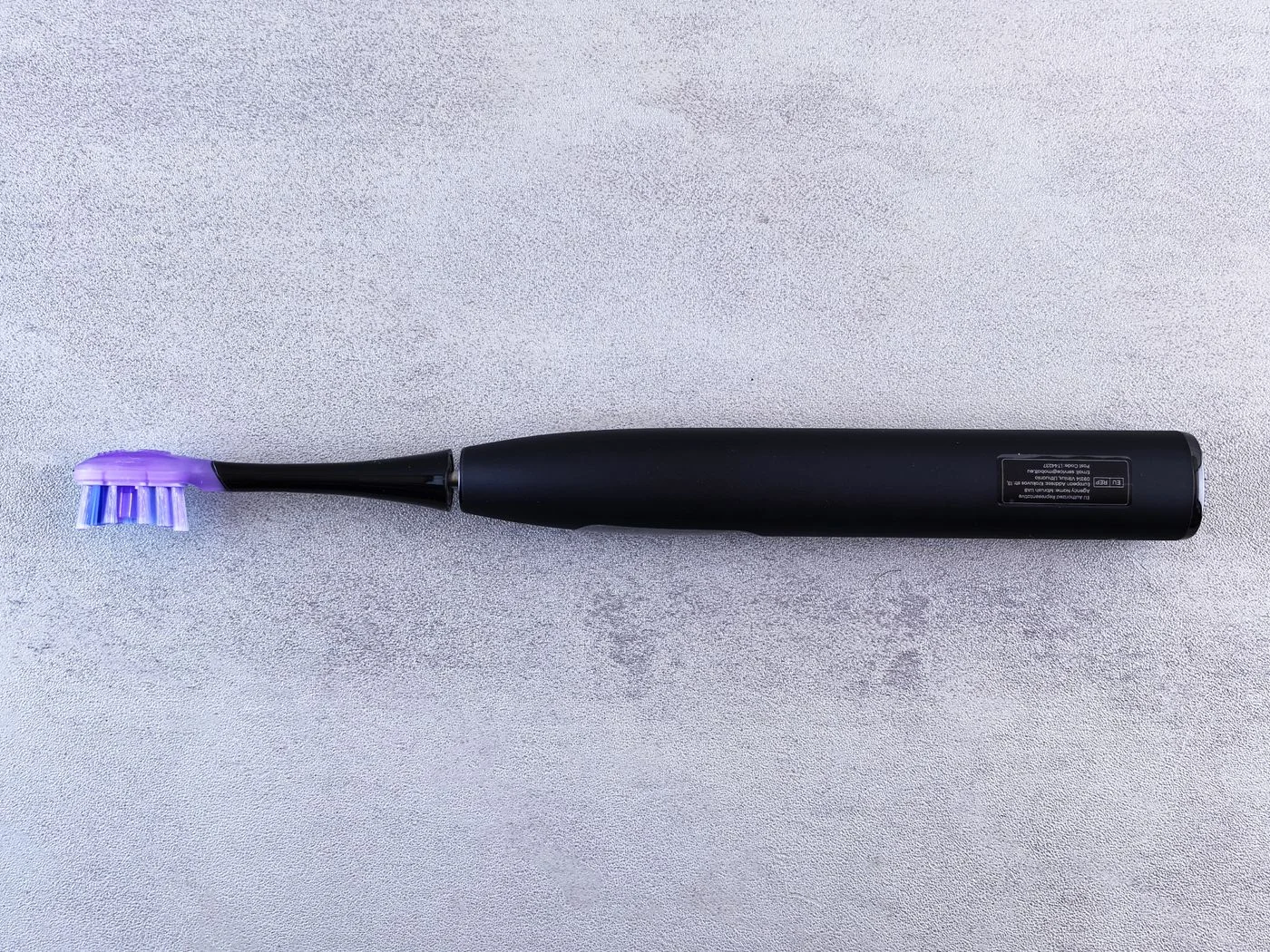
A pressure sensor is designed to alert you when the device detects excessive brushing pressure according to its system. Depending on the model, that alert may be a light, a change in vibration, a sound, or another signal. Understanding the specific feedback is more useful than simply knowing that the feature appears on the box.
For example, Philips explains several kinds of pressure feedback used by its Sonicare models and tells owners to check their exact manual. This is an example of a model-dependent feature, not evidence that every electric toothbrush behaves the same way.
Find the signal before relying on it
Read which light or vibration indicates pressure and which indicates battery level, a mode change, or head replacement. Similar-looking signals can mean different things. Check whether the feature is enabled and whether your particular model includes it at all.
Do not repeatedly press hard against your teeth to make a warning appear. Follow the manufacturer's method for checking the feature, and contact support if you are unsure whether it is functioning.
Respond by changing the habit
When a pressure alert occurs during brushing, ease the pressure as instructed and pay attention to placement. Avoid using the warning threshold as a target to brush just below. The aim is an appropriate gentle technique, not finding the maximum force the device will tolerate without a signal.
Notice where alerts tend to happen. Perhaps you press harder on back teeth because they are difficult to reach, or grip tightly when trying to finish quickly. That observation can guide a useful conversation with a hygienist.
A smaller suitable head, a different grip, or a better route through the mouth may address the practical difficulty. Ask for advice rather than assuming that a stronger motor setting solves an access problem.
Know what the sensor does not tell you
No pressure warning does not prove complete coverage. You can still miss surfaces or spend too much time in one area. The sensor also does not diagnose gum disease, explain bleeding, or establish that a painful area is safe to keep brushing in the same way.
If feedback seems wrong—for example, it activates without contact—check the manual's troubleshooting steps. Do not disable a feature simply to avoid an unexplained warning without first understanding what is happening.
Use any app summary cautiously. It may be helpful feedback from the device, but it is not a substitute for a dental examination or individualized technique advice.
A pressure sensor is most useful when it helps you notice and adjust a habit. Once you understand the signal, keep the rest of brushing deliberate: suitable positioning, appropriate movement, and attention to all the areas you need to clean.
Continue exploring

A Straightforward Twice-Daily Brushing Routine
Build a repeatable sequence that covers every tooth surface and fits into the beginning and end of your day.
Keep reading: A Straightforward Twice-Daily Brushing Routine
Choosing a Soft-Bristled Toothbrush
Look at head size, handle control, and a clear soft-bristle label rather than equating a firmer brush with a better clean.
Keep reading: Choosing a Soft-Bristled Toothbrush